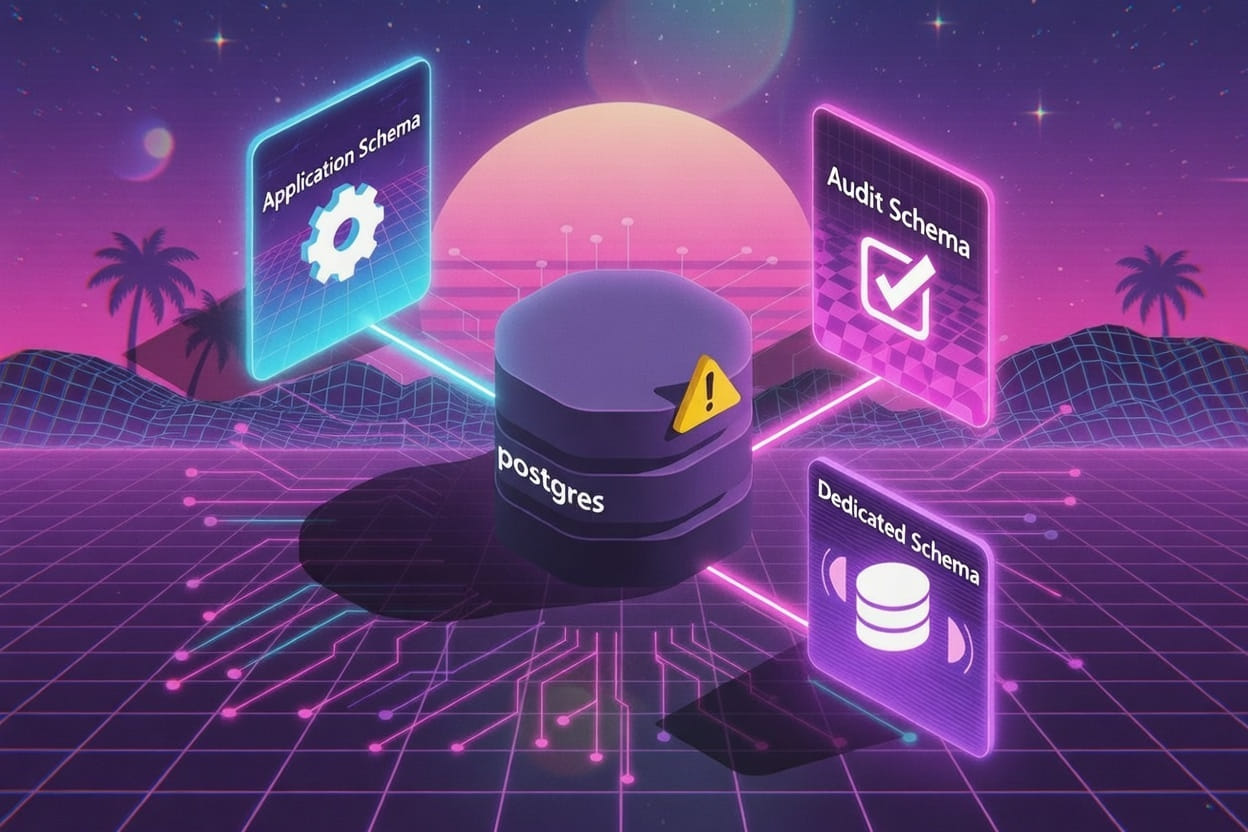
Stop Using the postgres Database and public Schema
Hopefully you realize I DID NOT say “Stop using Postgres”, I’d never say such a thing. What do I mean?
If you’re building an application with PostgreSQL, you might be tempted to just connect to the default postgres database and start creating tables in the public schema. Here’s why that’s a mistake.
The postgres Database Problem
The postgres database is a maintenance database. It exists so administrators can connect to the server when other databases might be unavailable or corrupted.
Why it matters:
- Maintenance conflicts – Tools and scripts often connect to
postgresto perform server-level operations. Your app data shouldn’t live there. - Poor separation – Multiple applications sharing
postgrescreates a mess of unrelated tables. - Security risks – The
postgresdatabase often has broader default permissions.
Do this instead:
CREATE DATABASE myapp;The public Schema Problem
Every PostgreSQL database has a public schema by default, and every user can create objects in it.
Why it matters:
- Security vulnerability – Any database user can create tables, functions, or views in
publicby default. - No logical organization – Everything gets dumped into one namespace.
- Backup complexity – You can’t easily backup or restore specific application domains.
Do this instead:
-- Create a dedicated schema
CREATE SCHEMA app;

-- Revoke default public access
REVOKE CREATE ON SCHEMA public FROM PUBLIC;

-- Create your tables in the app schema
CREATE TABLE app.user (
    id UUID PRIMARY KEY DEFAULT gen_random_uuid(),
    email TEXT NOT NULL UNIQUE,
    is_active BOOLEAN NOT NULL DEFAULT FALSE,
    created_at TIMESTAMPTZ NOT NULL DEFAULT now()
);
A Better Setup
-- 1. Create a dedicated database
CREATE DATABASE myapp;

-- 2. Connect to it
\c myapp

-- 3. Create application schema(s)
CREATE SCHEMA app;
CREATE SCHEMA audit;

-- 4. Lock down public
REVOKE ALL ON SCHEMA public FROM PUBLIC;

-- 5. Create an application role
CREATE ROLE myapp_user LOGIN PASSWORD 'secure_password';
GRANT USAGE ON SCHEMA app TO myapp_user;
GRANT ALL ON ALL TABLES IN SCHEMA app TO myapp_user;
Summary
| Default | Problem | Solution |
|---|---|---|
postgres database | Maintenance conflicts, poor isolation | Create dedicated databases per application |
public schema | Security risks, no organization | Create named schemas, revoke public access |
Your future self (and your DBA) will thank you.
Bonus Tip
For your local DB (docker), add special characters to your password
You don’t know when or where, but sometime down the road, your app might be assigned a password that has special characters, you know the ones, percent (%), dollar ($), and ampersand (&). Setting your local database to include these special characters means you’ll catch it if your app somehow doesn’t escape them properly. Better to find out on local, than on production.